Skip to content
SlashVibe
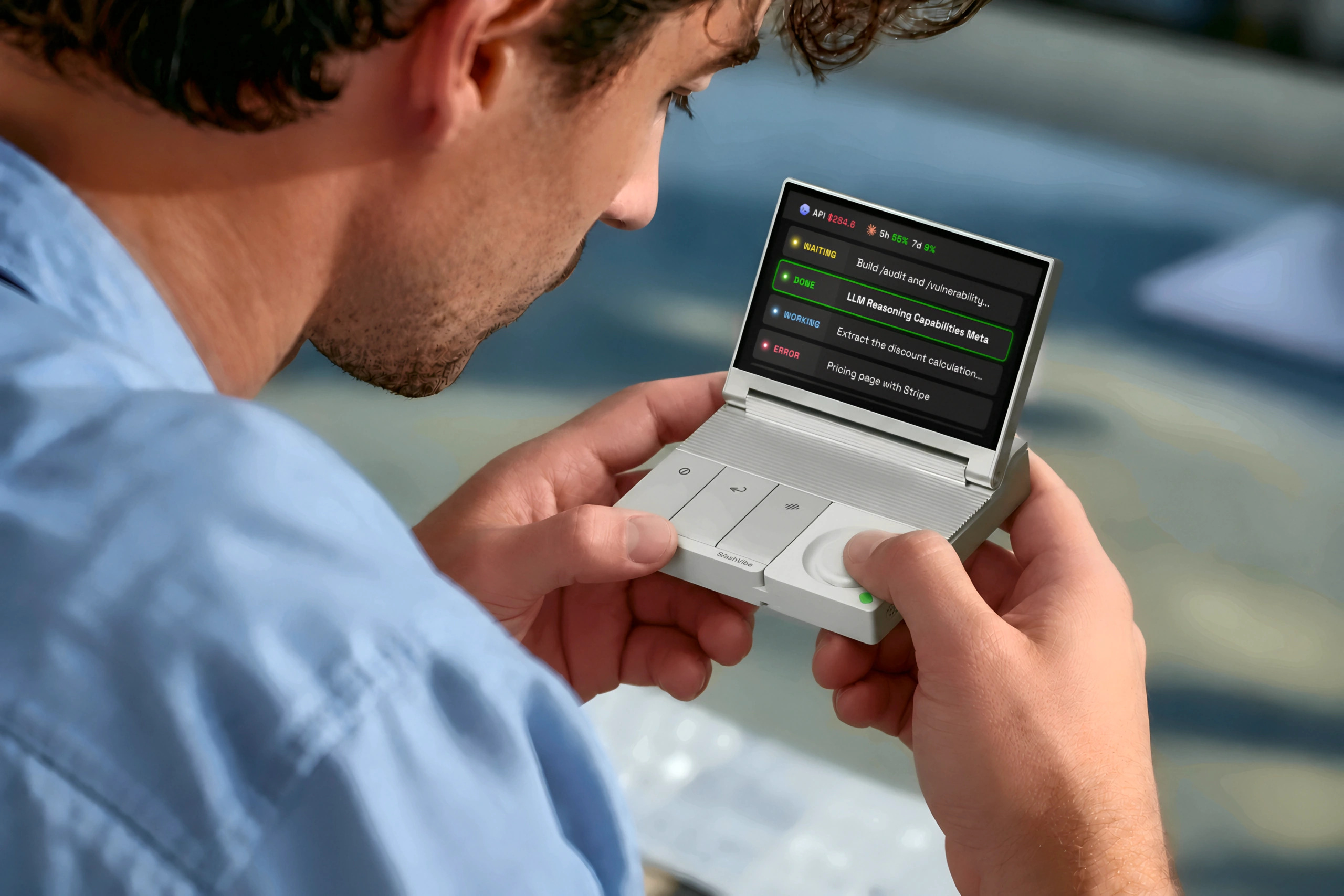
SlashVibe held in hand with its agent display open

Your AI agents
have a controller
now.

$149$249

Pay $1 today. Save $100 at launch.

Reserve for $1

20+agents supported.

See how it works.

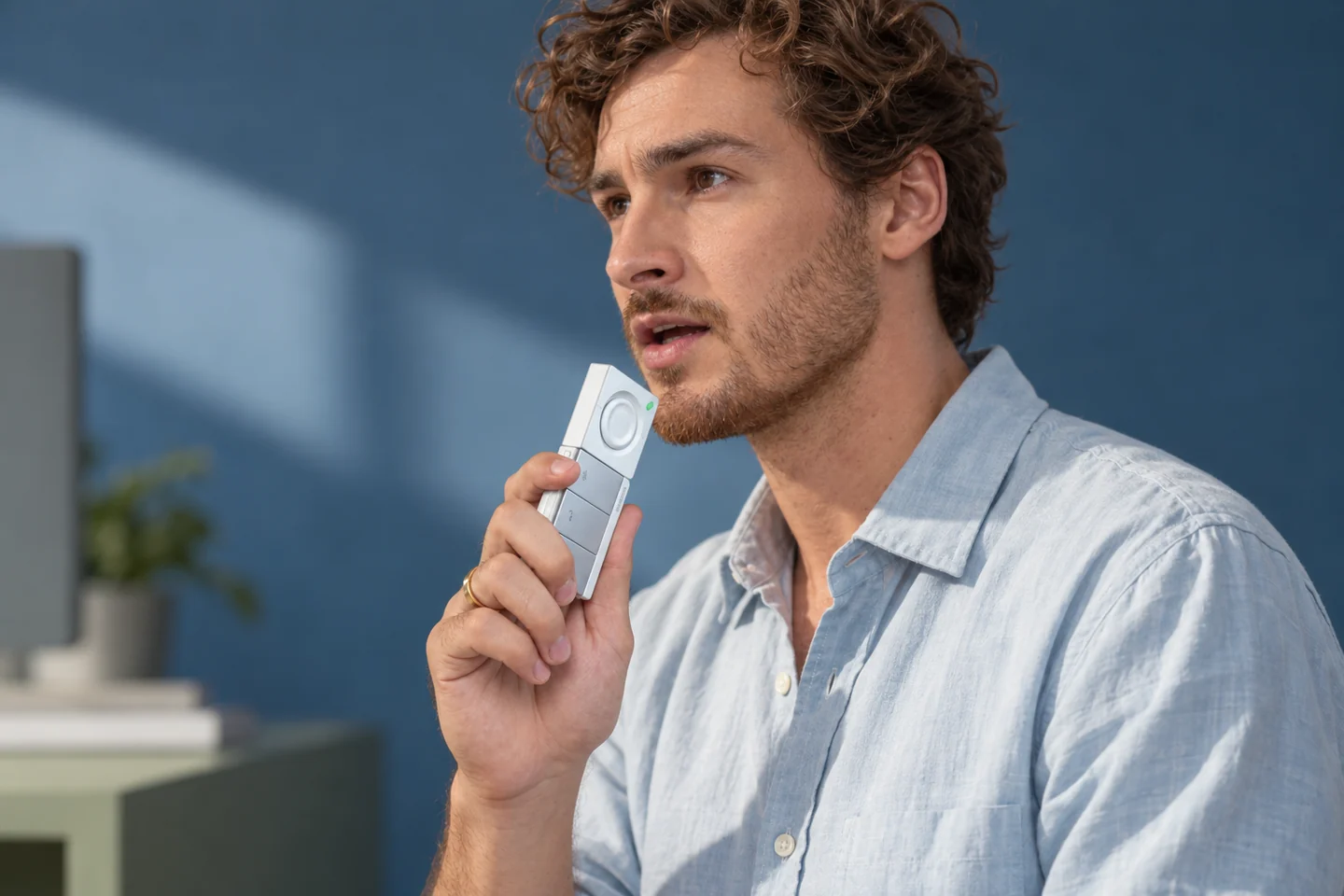
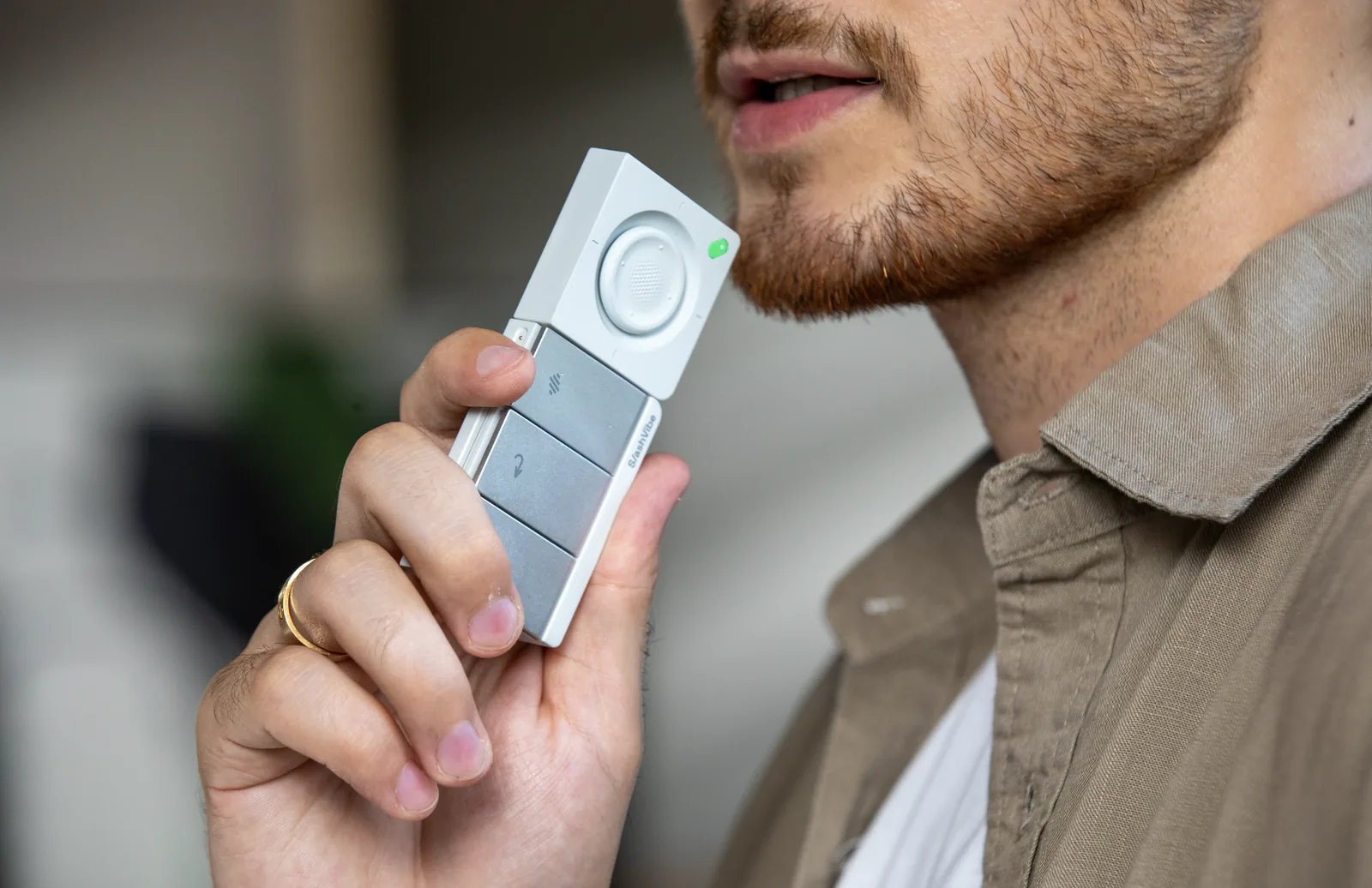
Someone holds the SlashVibe handheld close to their mouth and speaks into it
<100 msready to record

Voice input

A direct line from thought to task.

Sending a prompt should feel easy.

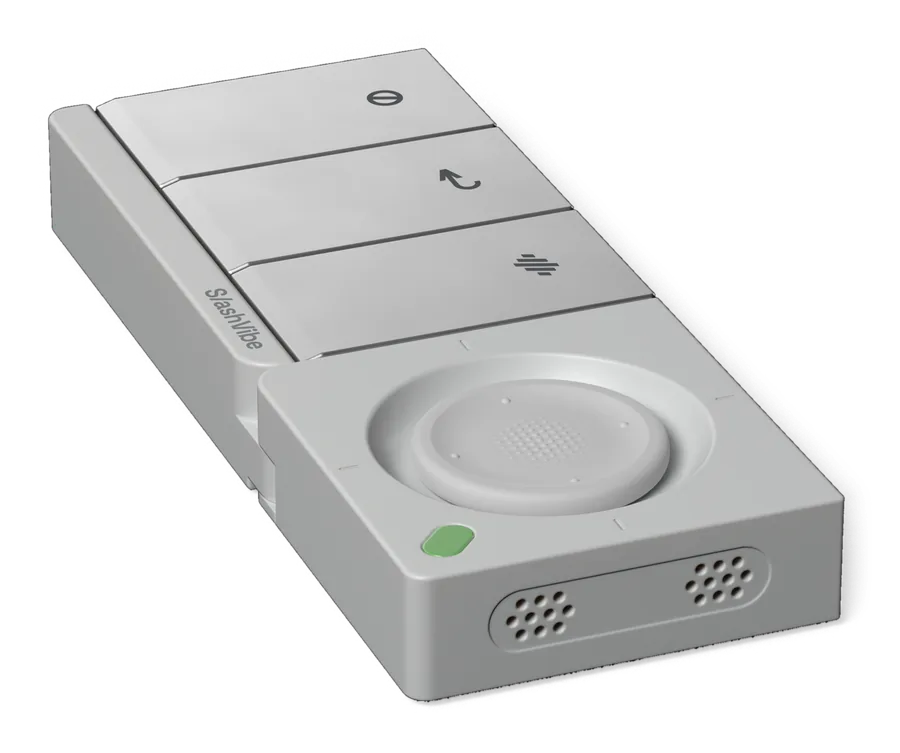
SlashVibe’s physical controls, close-range microphone, and voice software work together, so you can speak directly to the agent you’ve selected.

Press the button, and SlashVibe is ready to record in under 100 milliseconds. No awkward pause before you speak. Just get your thoughts out while they’re fresh.

And it’s not just for agents. SlashVibe also turns what you say into well-written emails, notes, and messages, with the right tone for each.
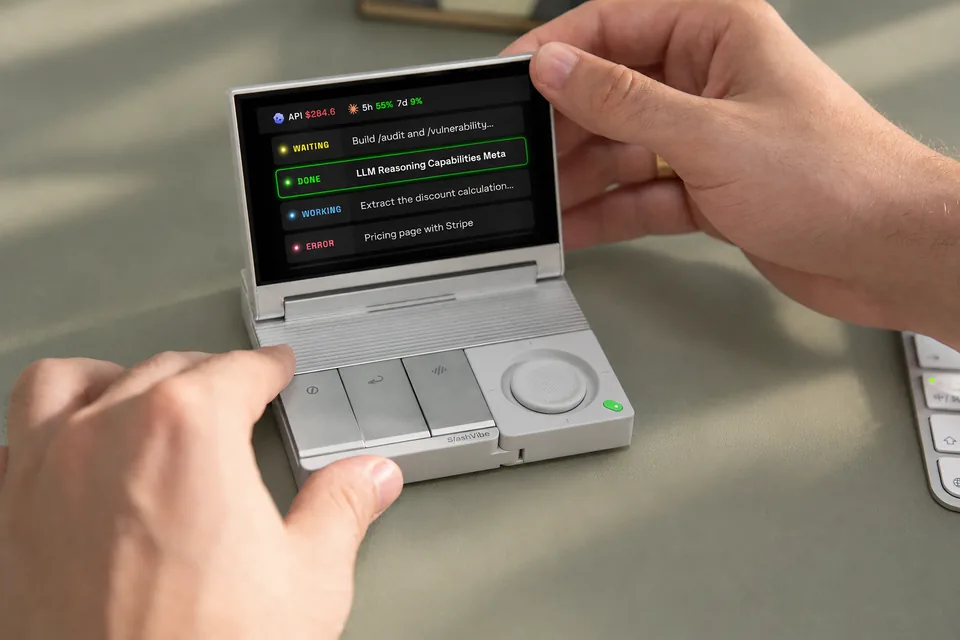

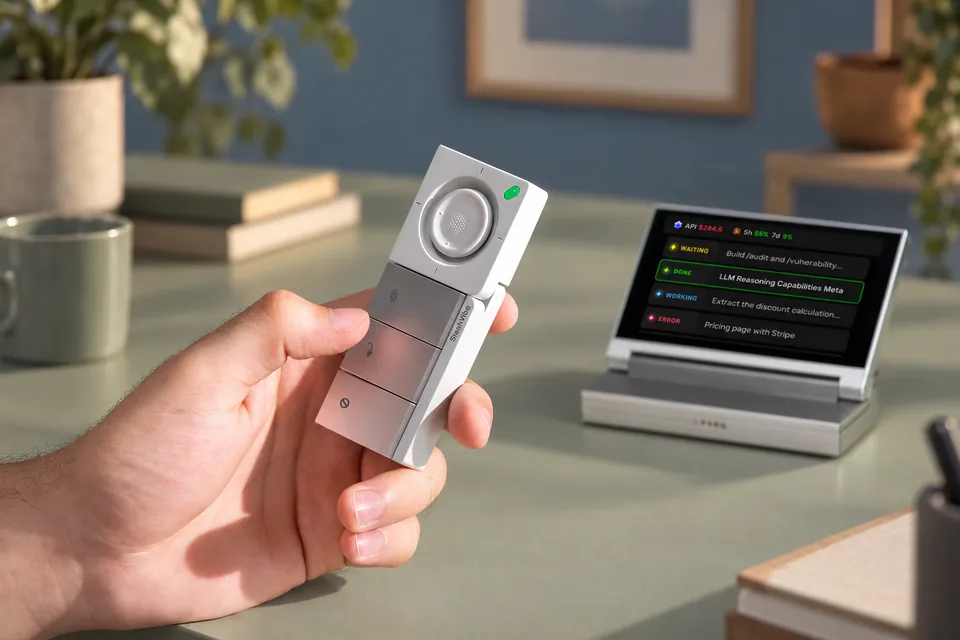
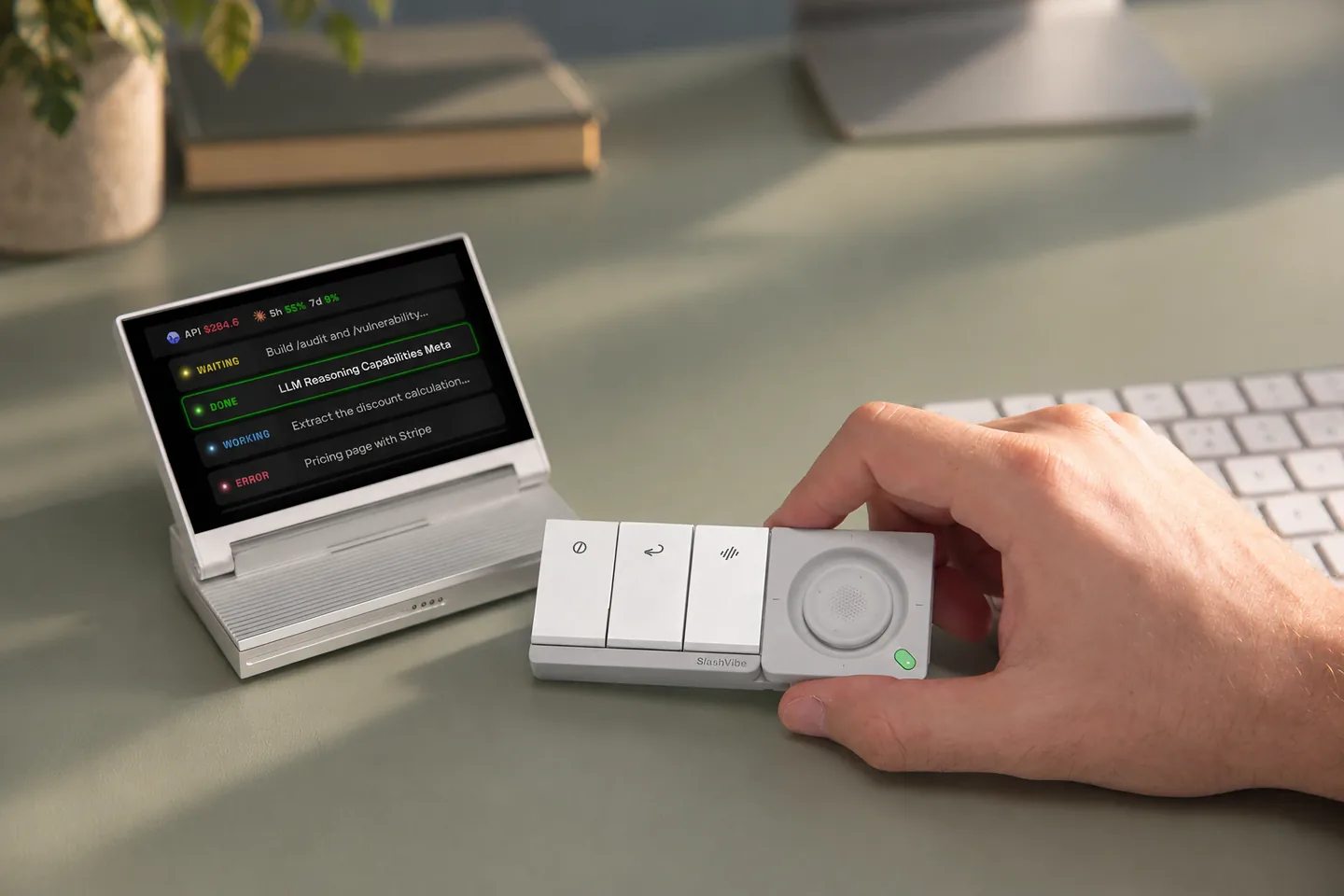
Hands on SlashVibe at a desk, its display showing agent progress at a glance

Agent display

A clear view.
A clearer head.

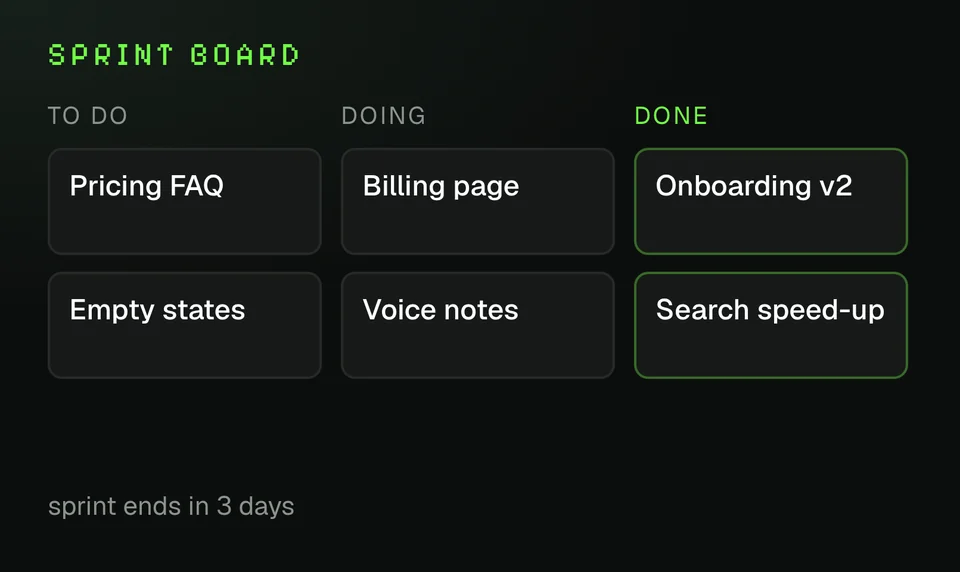
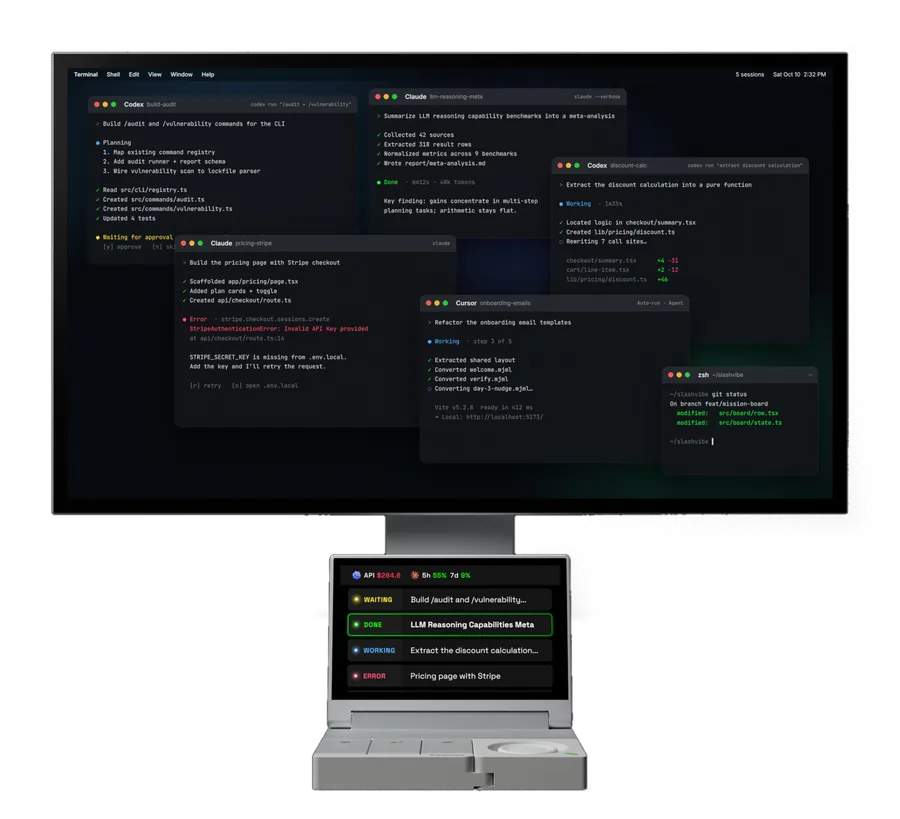
Let your agents work in parallel while you stay focused on what’s in front of you.

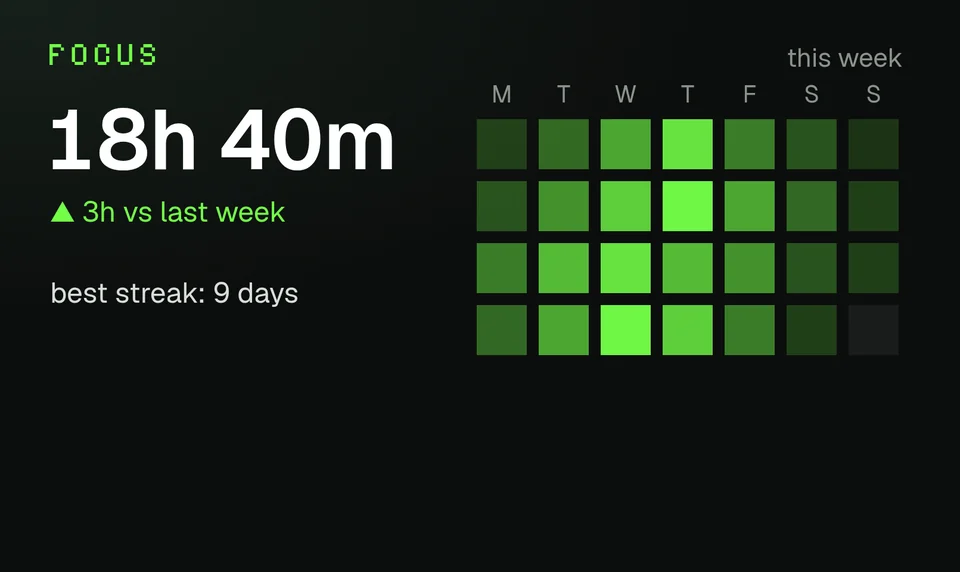
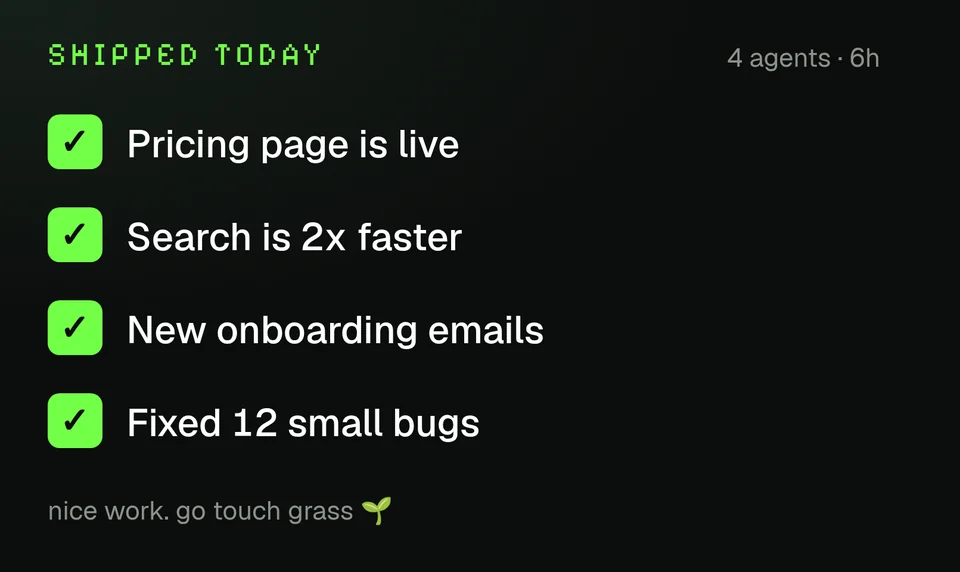
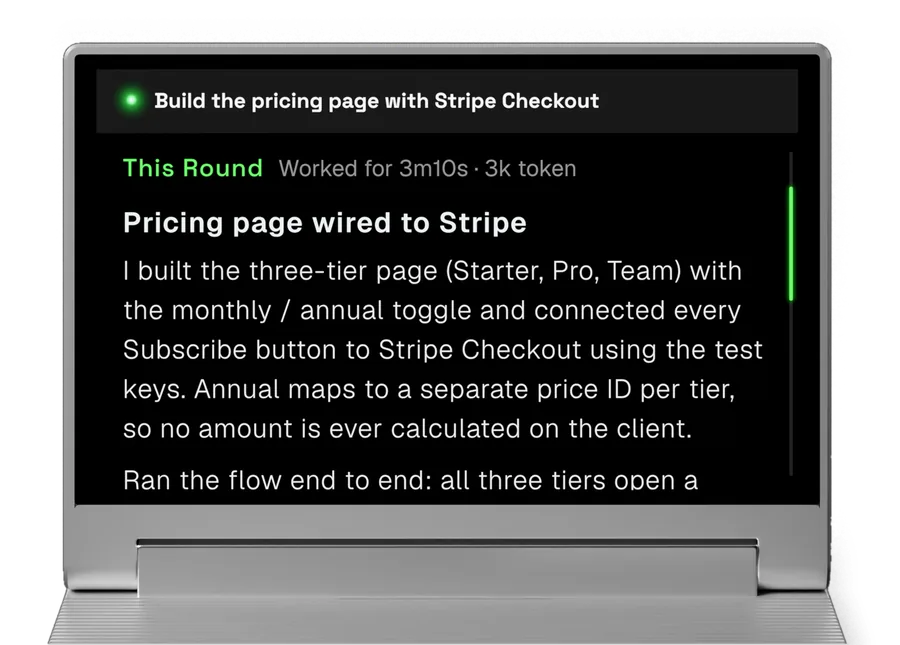
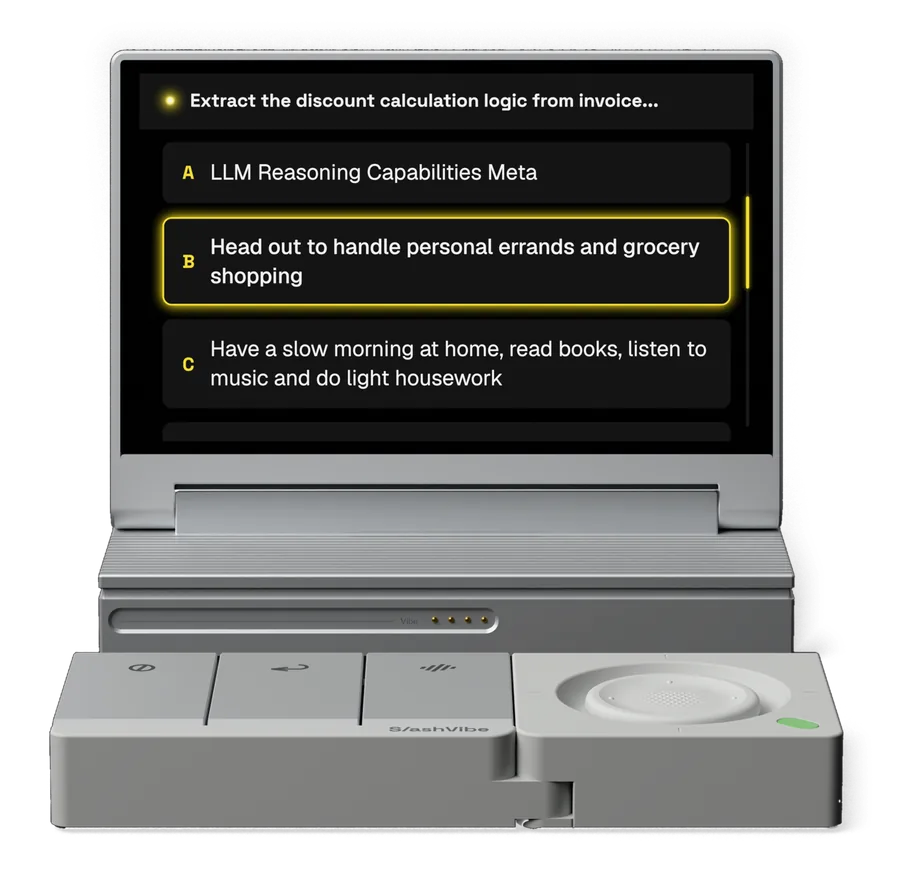
SlashVibe keeps their progress in view, right beside your main screen, so a glance tells you what’s running, what’s done, and what needs you.

No need to open every conversation just to check. No mental list of things to come back to.

Your main screen stays free for your work, with less to keep track of and fewer reasons to lose your train of thought.

Developer SDK

Your next idea. In gadget form.

Make SlashVibe your own.

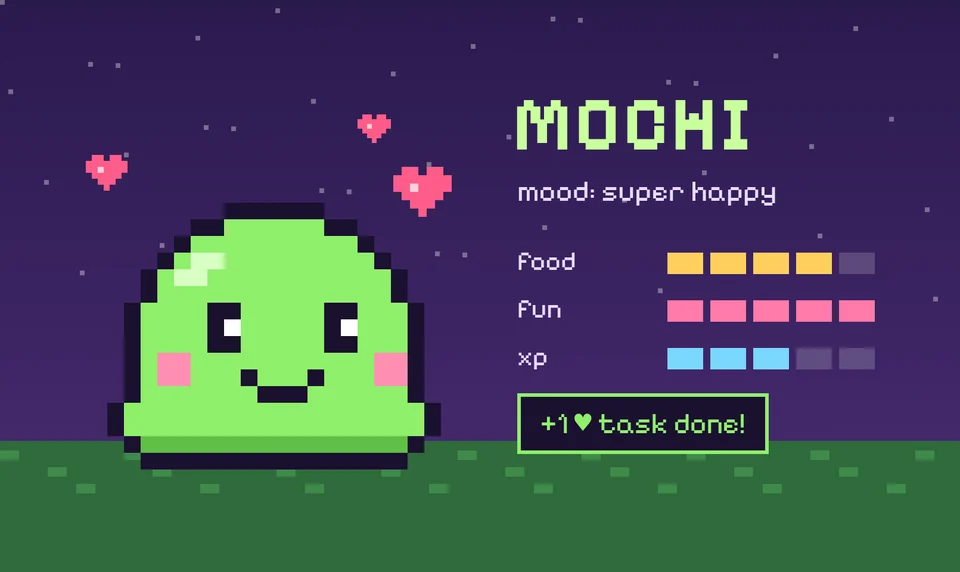
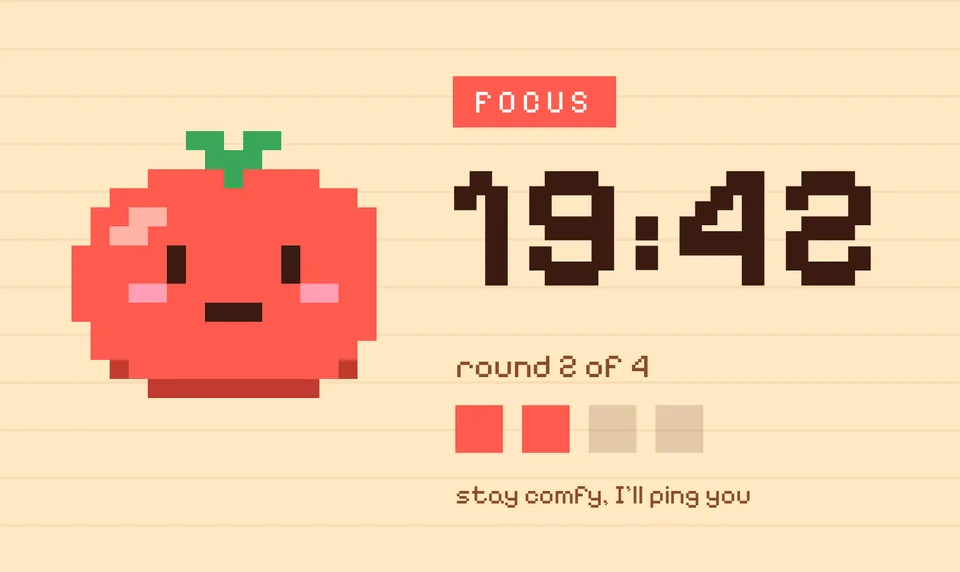
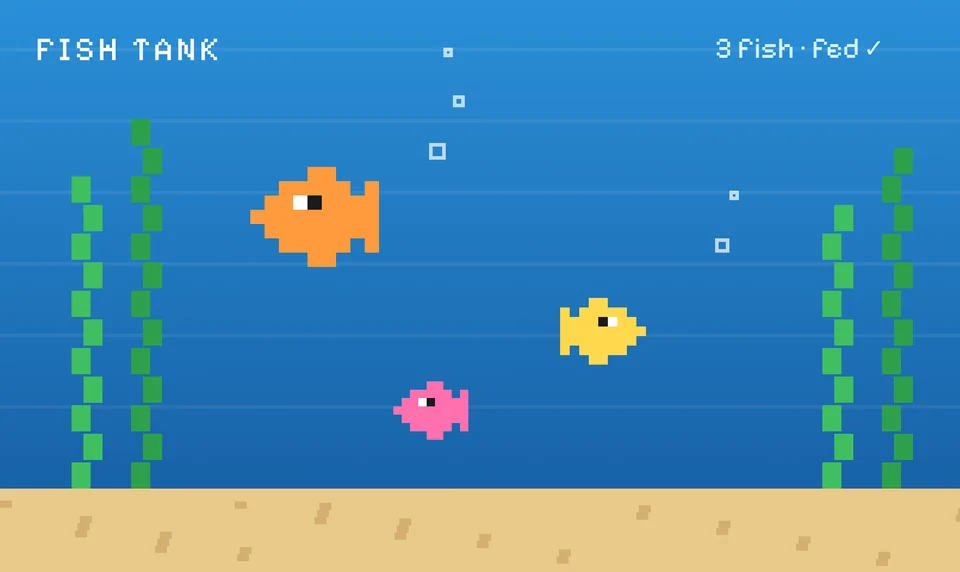
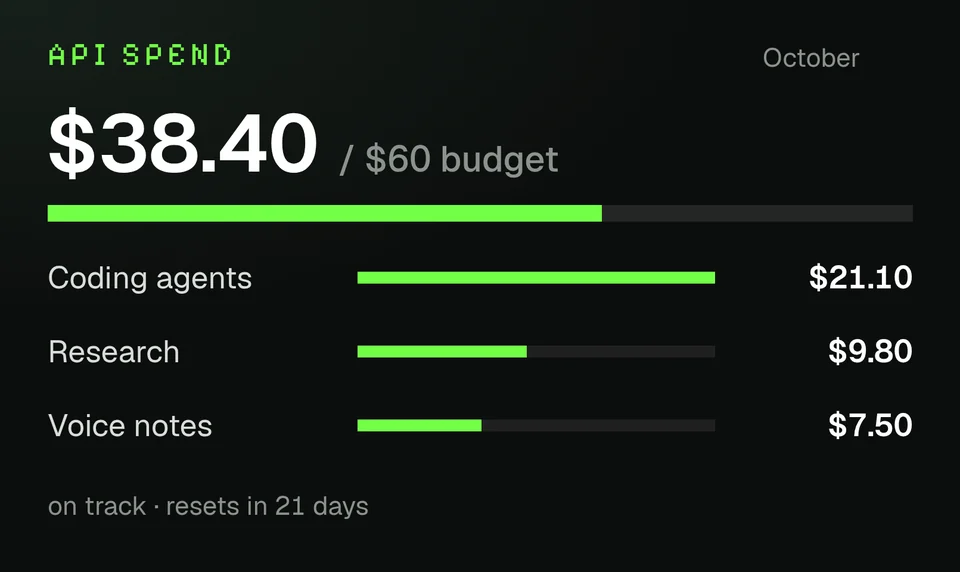
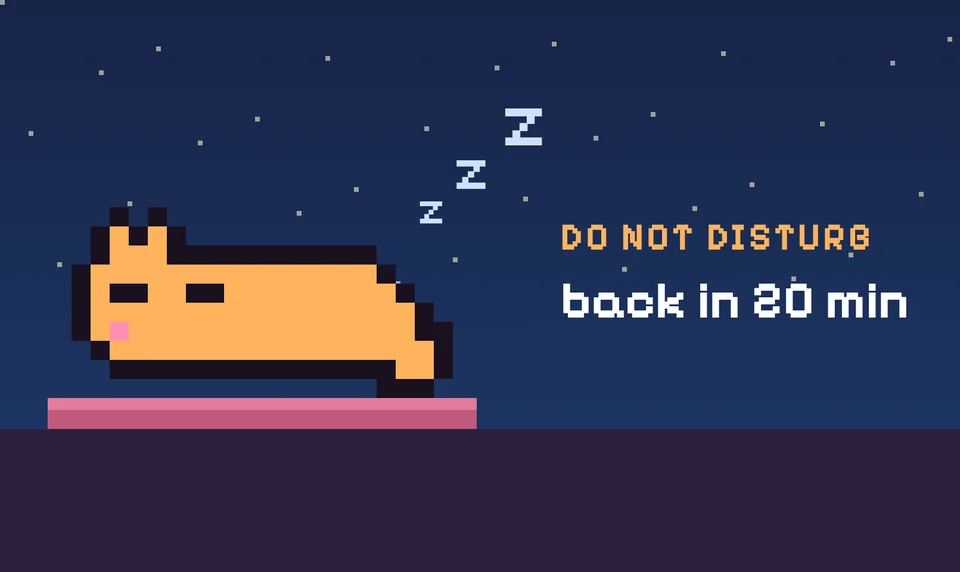
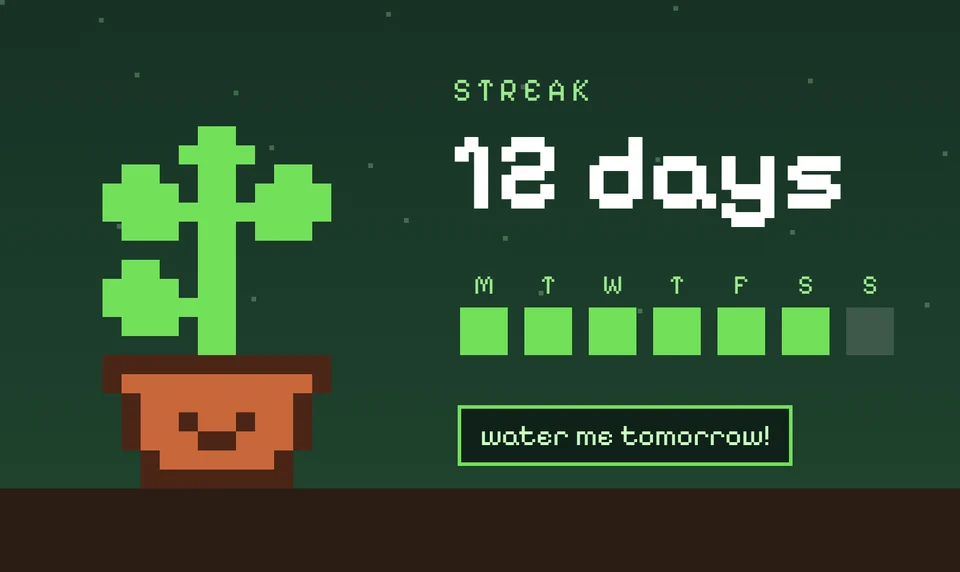
Connect an agent we haven’t added yet, or design a dashboard around the way you work. You could even build a tiny garden that grows as your agents finish tasks.

Whatever you build, it becomes part of the device you use every day.

VIP reservation

Unlock VIP launch perks for just $1.

  • $149 VIP launch price, saving you $100
  • Priority fulfillment
  • A VIP-only launch surprise
Reserve for $1

Fully refundable

On October 27, use your private Kickstarter link to complete your separate $149 pledge.

It just feels right.

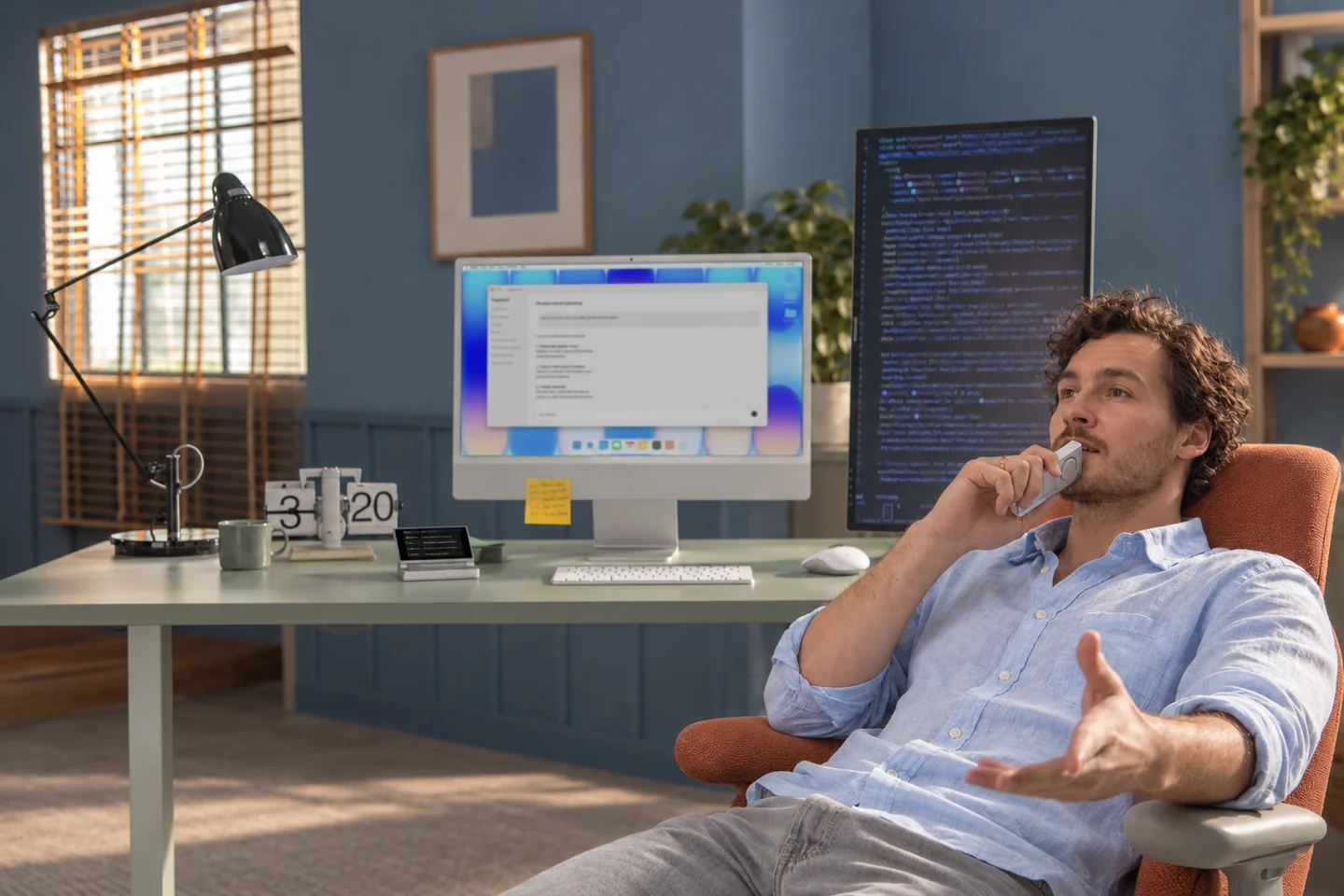
Leaning back in an orange chair and speaking into the SlashVibe handheld controller
Handheld

Lean back.
Keep your agents moving.

Speaking softly into the SlashVibe handheld controller held close to the mouth
Quiet voice

Bring it closer to pick up even a whisper.

SlashVibe on the desk, one hand on the detached controller beside a laptop
Desktop

Rotate it.
The joystick falls right under your thumb.

Specifications

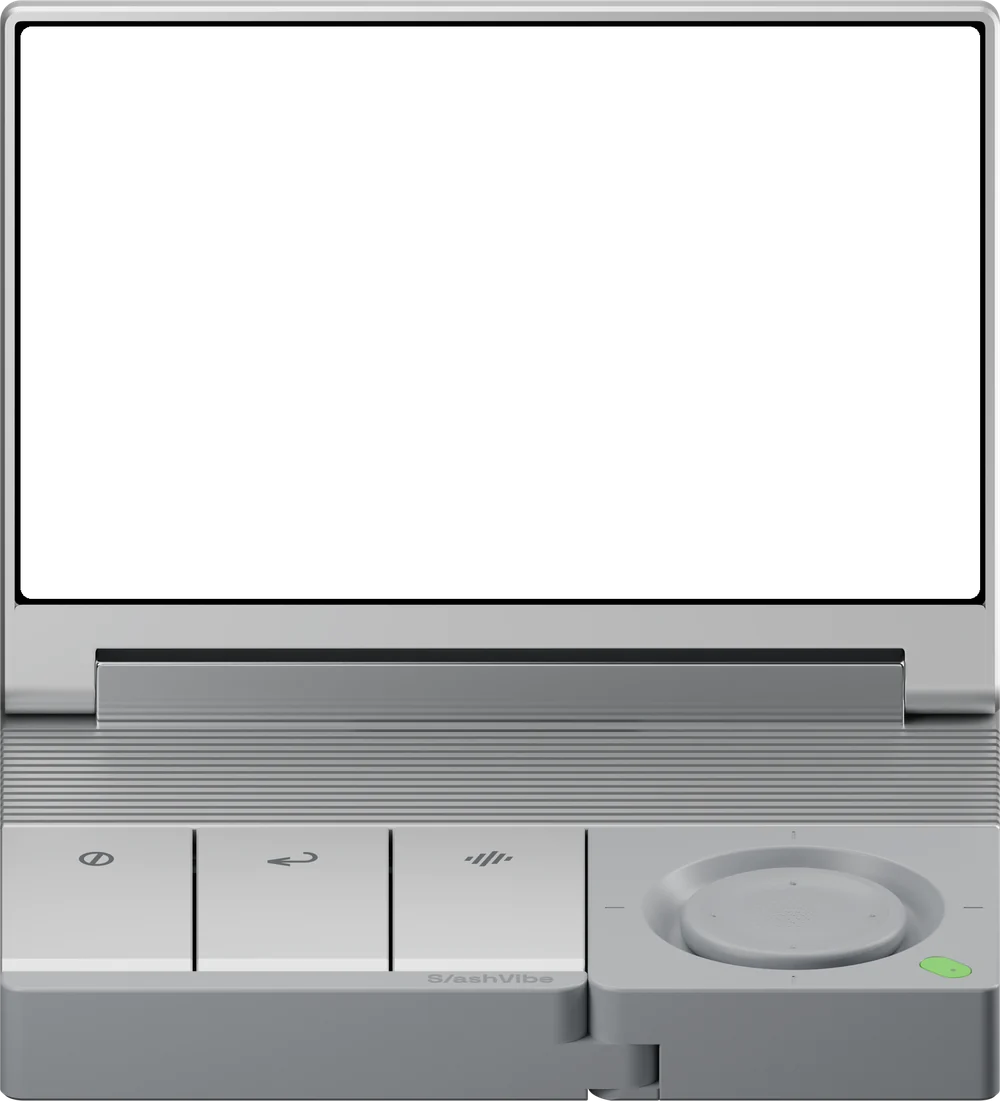
Line drawing of SlashVibe: the display unit and the detachable handheld controller
SlashVibe V1 AI Agent Controller
Size
Assembled unit: 4.13 × 3.52 × 0.82 in
Weight
Assembled unit: 9.70 oz
Connection
Display: USB-C for power and dataHandheld controller: 2.4GHz wireless
Compatibility
macOS / Windows
Display
3.96-inch LCD
Controls
Kailh ultra-low-profile mechanical switchesTravel: 1.8 ± 0.3 mmTactile force: 52 ± 15 gfTwo-axis joystickTravel: 2 mm per sideForce: 85 ± 30 g
Battery
500mAh rechargeable batteryBattery life: 20 hours
Audio
Dual MEMS microphonesBuilt-in 2W speaker
Material & Finish
Sandblasted, anodized aluminium display housing, base and action keycapsABS+PC controller housing with soft-touch upper surfacesSoft-touch ABS+PC joystick capSilicone feet
Colors
Black / Silver
Software
SlashVibe+ appSupports 20+ AI agents and tools
In the Box
SlashVibe V1 AI Agent ControllerUSB-C data cableUser manual

FAQ

Do I need to switch to a new AI app or model to use SlashVibe?

No. SlashVibe works alongside supported AI agents and tools on your computer. You keep working in your existing terminal or IDE; SlashVibe adds a dedicated display, voice input, and physical controls. It does not supply or replace the AI model.

Can I use SlashVibe away from the keyboard?

Yes, around your workspace. Lean back with the controller in hand, or bring it closer when you want to speak quietly. SlashVibe works with your computer and is not a standalone mobile terminal.

When do you expect SlashVibe to ship?

We currently expect the first batch to begin shipping in March 2027.

Do I need a separate dictation app for voice input?

No separate dictation app is required. SlashVibe includes voice input, and you can optionally configure a local speech-to-text service. Cloud dictation is available within the free plan’s usage limits, with higher limits available on paid plans.

Is a paid subscription required to use SlashVibe?

A paid subscription is not required. SlashVibe will include a free plan.

Optional plans will be available at $8 and $14 per month for users who need higher usage limits for cloud-based dictation and storage.

All Kickstarter backers will receive one complimentary month of the Pro plan.

Which AI agents and tools does SlashVibe work with?

SlashVibe works with more than 20 AI agents and tools, including Claude Code CLI and Desktop, Codex CLI and Desktop, Copilot CLI, OpenCode v2 CLI, Pi Agent, Oh My Pi, Grok Build CLI, Cursor, Antigravity CLI, Hermes, DSH, Droid, Trae, Kiro, WorkBuddy, MiMo Code, ZCode, Gemini CLI, Qoder, Qwen, Kimi, and Kimi Code.

We are continuing to expand support and are building an open integration layer so users can connect SlashVibe with their own AI workflows.

VIP reservation

Unlock VIP launch perks for just $1.

  • $149 VIP launch price, saving you $100
  • Priority fulfillment
  • A VIP-only launch surprise
Reserve for $1

Fully refundable

On October 27, use your private Kickstarter link to complete your separate $149 pledge.